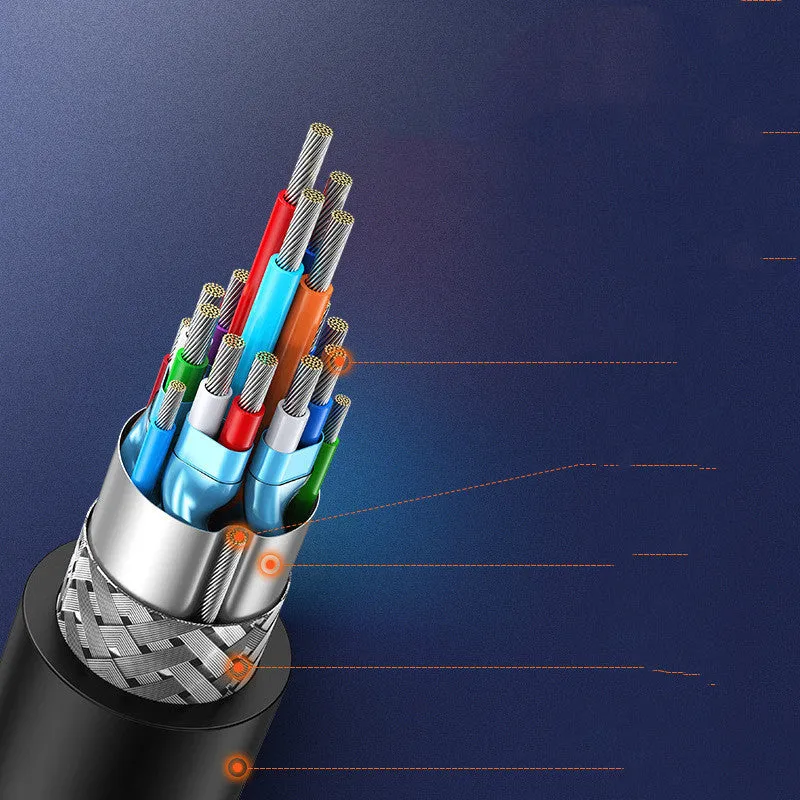
HDMI laptop to external display converter cable adapter with 1 m 1.5 m 2 m 3 m length options in green packaging featuring tin-plated copper wire cores and two-way rotation connectors for desktop monitor screen projector setups


HDMI laptop to external display converter cable adapter with 1 m 1.5 m 2 m 3 m length options in green packaging featuring tin-plated copper wire cores and two-way rotation connectors for desktop monitor screen projector setups
HDMI Laptop to External Display Converter Cable with 1m 1.5m 2m 3m Length Options
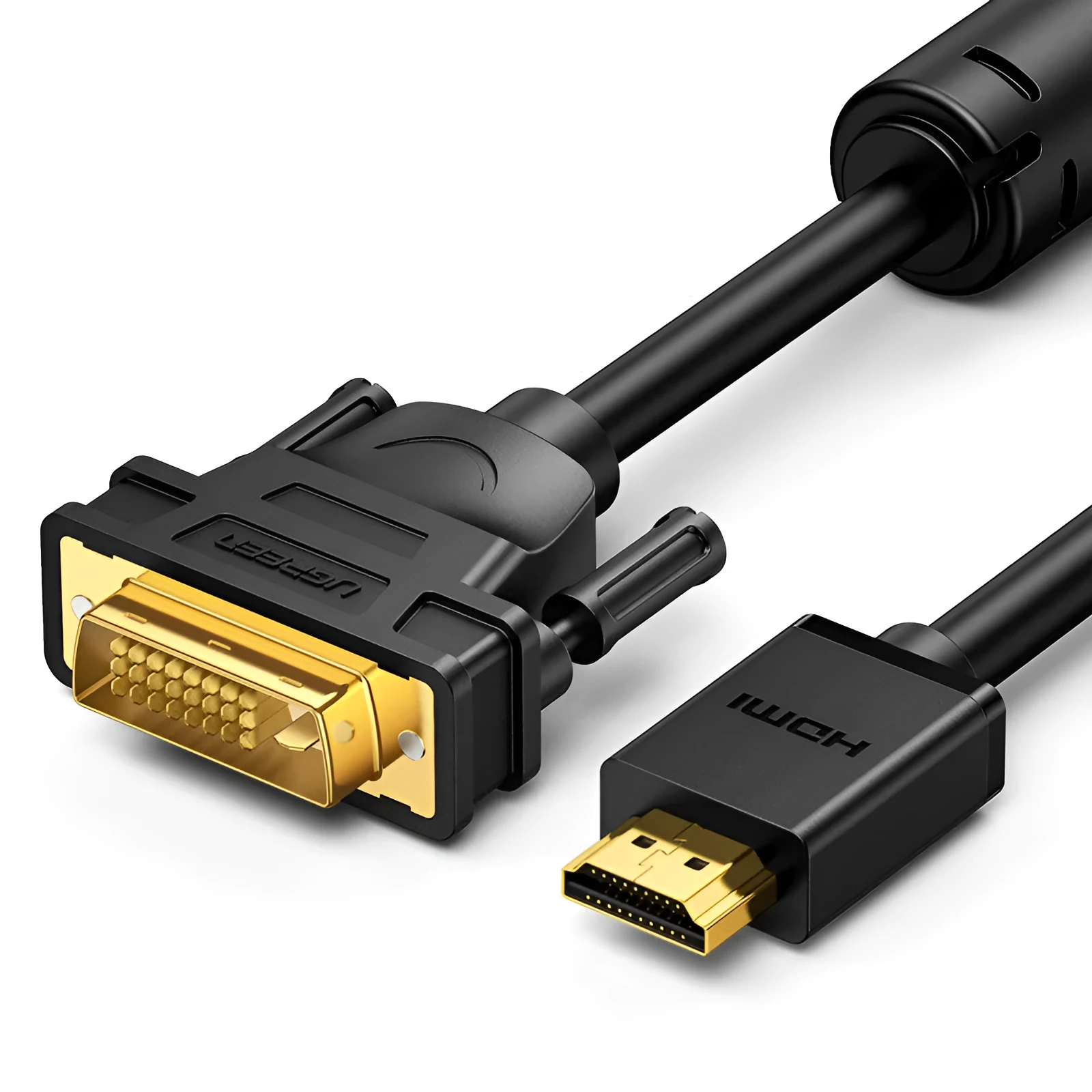
This HDMI converter cable adapter is designed for a specific and common task: creating a physical link between your laptop's video output and an external display device. Whether you need to mirror your screen for a presentation on a projector, extend your desktop across a larger monitor, or connect to a television for media viewing, this adapter provides the necessary interface. It is available in a selection of four cable lengths, offering flexibility to suit different room setups and distances between your laptop and the target screen. The product arrives in identifiable green packaging and is built with components like tin-plated copper wire cores, which are standard in such cables for reliable signal transmission.
Features and Construction
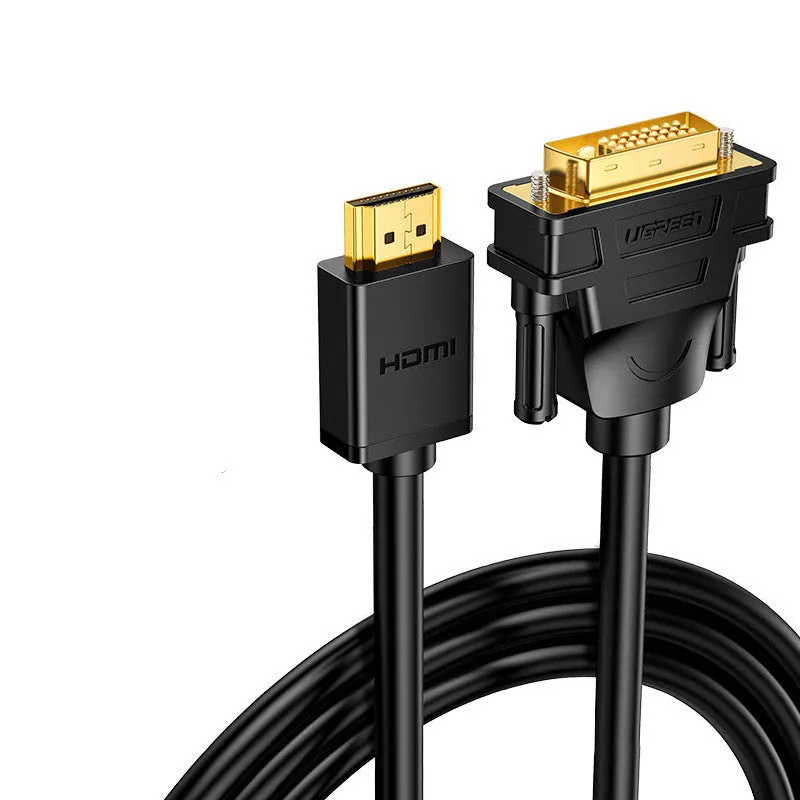
This adapter's primary function is converting and extending a laptop's HDMI signal. Its design focuses on the physical connection, with details provided about its internal materials and connector functionality.
Material and Build
The cable's internal construction uses tin-plated copper wire for its core conductors. Tin plating on copper is a common practice in electronics cabling; it helps inhibit oxidation of the copper, which can maintain a stable electrical connection over time. The adapter is configured as a single-head splitter joint, meaning it is a straightforward cable with one connector on each end, dedicated to the task of a single display extension.
Size and Practical Fit
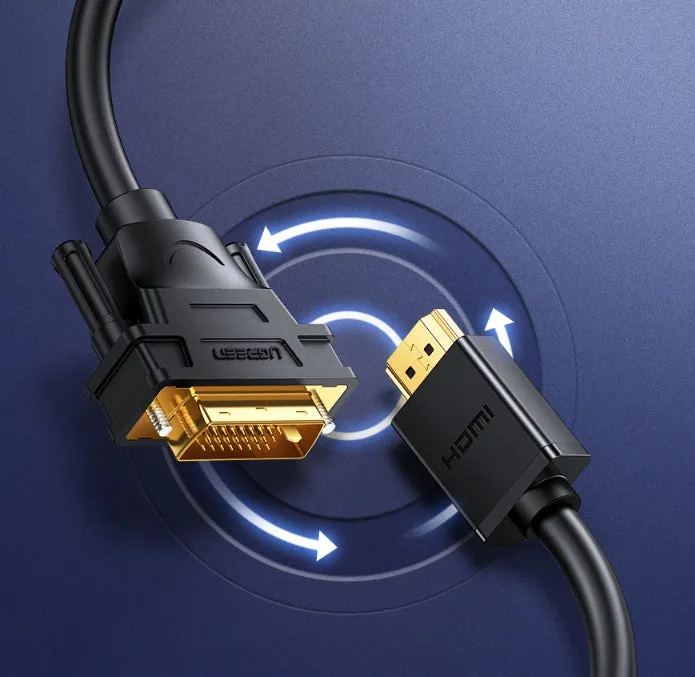
A key practical feature is the availability of multiple cable lengths: 1 metre, 1.5 metres, 2 metres, and 3 metres. This range allows you to choose a cable that minimises excess slack or provides enough reach for your specific setup, whether on a crowded desk or in a small meeting room. Furthermore, the connectors are described as supporting two-way rotation. This means the connector housing can rotate relative to the cable, making it easier to plug into ports that may be in tight spaces or at awkward angles without bending or stressing the cable end.
Uses and Placement
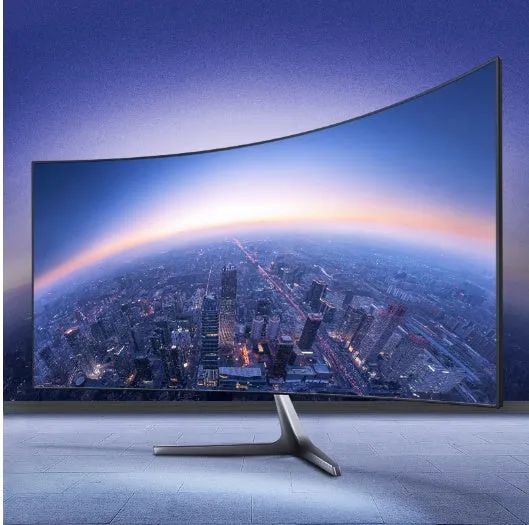
The adapter serves a clear function in various professional, educational, and personal scenarios where a laptop's built-in screen is insufficient.
Event or Professional Use
In professional settings, this cable enables you to connect your laptop directly to a projector or large conference room display for presentations, workshops, or video conferences. The choice of longer cable lengths (like 2m or 3m) can be particularly useful here, allowing the laptop to remain on a lectern or table at a distance from the main screen. The two-way rotation connector can assist in quickly securing a connection in permanent install AV racks or wall-mounted ports.
Everyday Home Use
For home office or entertainment setups, the adapter turns your laptop into a media centre or a dual-monitor workstation. You can connect it to a desktop monitor for more screen real estate while working or to a living room television to stream films and shows. The shorter 1m or 1.5m options are often suitable for clean desk setups where devices are close together, helping to manage cable clutter.
Benefits and Buying Value
The value of this product lies in its specificity and the practical options it provides for a common connectivity need.
Reuse and Low Maintenance
As a basic, durable cable adapter, it is designed for repeated use. The tin-plated copper wire construction is aimed at maintaining signal integrity over time. With no active electronics or software required, its operation is simple and reliable. Care involves standard handling: avoiding sharp bends at the connectors and unplugging by gripping the connector housing, not the cable itself.
Why Choose This Product
This adapter offers a clear advantage through choice. The availability of four different lengths means you can select the exact cable you need for your spatial layout, avoiding the compromise of a standard single-length cable. The inclusion of the two-way rotation connector feature addresses a minor but frequent frustration when plugging into hard-to-reach ports. It provides a focused solution for laptop-to-display connectivity without unnecessary extra ports or functions that may not be required.